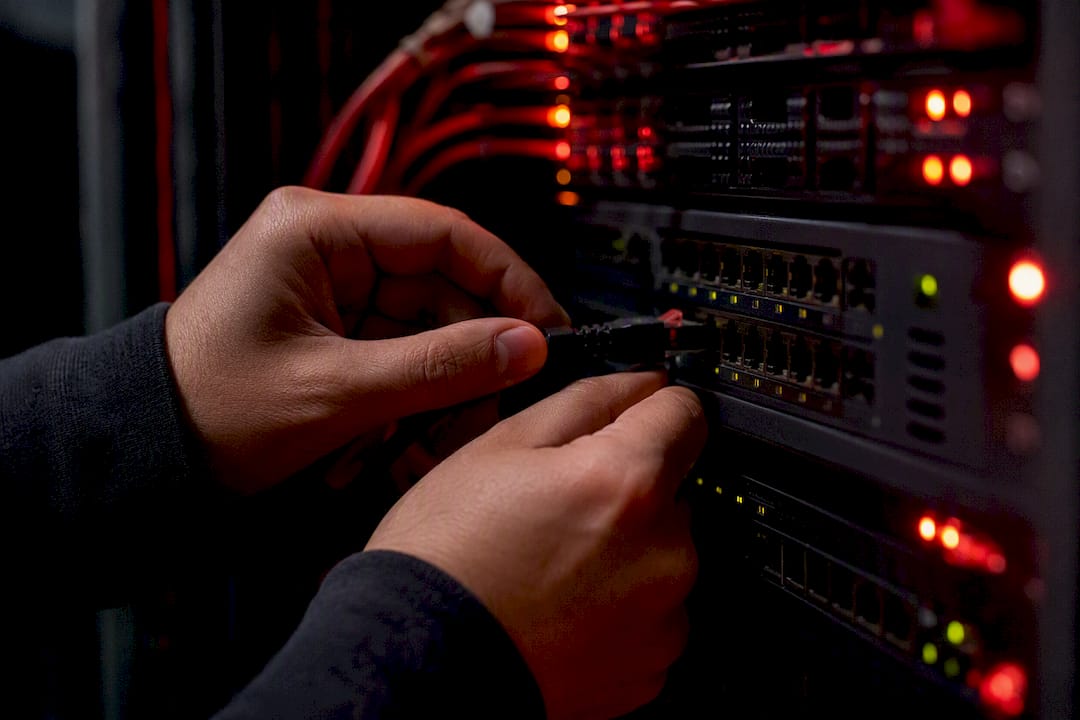
Learn how to set up and deploy Docker on a VPS effectively. Discover the optimal configurations and essential commands for seamless performance.
·19 min read
Optimizing Remote Desktop Performance for Windows
Achieving peak performance on your Windows RDP environment requires a strategic approach to resource allocation and connection settings. By fine-tuning your display configurations and managing background processes, you can significantly reduce latency and improve the responsiveness of your remote sessions.
For instance, disabling unnecessary visual effects like menu animations and desktop wallpapers can free up bandwidth. Additionally, utilizing the latest Remote Desktop Protocol versions ensures better compression algorithms are applied, resulting in a smoother experience even on fluctuating network connections.
Best Practices for VPS Security Hardening
Securing your virtual private server is a critical step in maintaining data integrity and protecting your infrastructure from unauthorized access. Implementing a multi-layered security strategy, including firewall configuration and regular patch management, forms the foundation of a robust defense against common cyber threats.
Key tactics include changing default RDP ports to obscure your server from automated scanners and enforcing strong, unique password policies for all user accounts. Furthermore, integrating SSH key authentication where applicable adds an essential layer of protection that significantly mitigates the risk of brute-force attacks.